From signup to playing in under an hour.
U4EA is a closed loop between three surfaces: a print artifact (the code card), the resident’s device (any phone, tablet, or smart TV), and your staff dashboard. No app downloads for residents. No IT ticket. No PHI required.
Generate printed codes
The admin opens the dashboard, clicks Generate batch, and picks how many codes to print. Common defaults: 25 for a wing, 100 for a building.
- Each code is 8 random alphanumeric characters — no ambiguous 0 / O or 1 / I.
- A QR is printed alongside it, encoding a deep link that opens U4EA directly.
- You can label each card per room or area before printing (e.g. “East Wing 304”).
- Codes can be locked to one device (great for shared tablets) or reusable.
- Set an expiration date or let them live forever.

Residents listen — no sign-up
Scanning the QR opens U4EA in the App Store (first time) or directly into the app (subsequent times). The code unlocks the player. Zero PHI flows through us.
- The code is the sole credential. No email, no password, no resident name captured.
- Listening data rolls up to your facility, never tied to an individual resident.
- Works on iPad, iPhone, Android phone or tablet, common-area smart TV via web.
- The patient view is stripped-down — only the Library and Today screens.
- On revoke, the device signs out within 30 seconds.
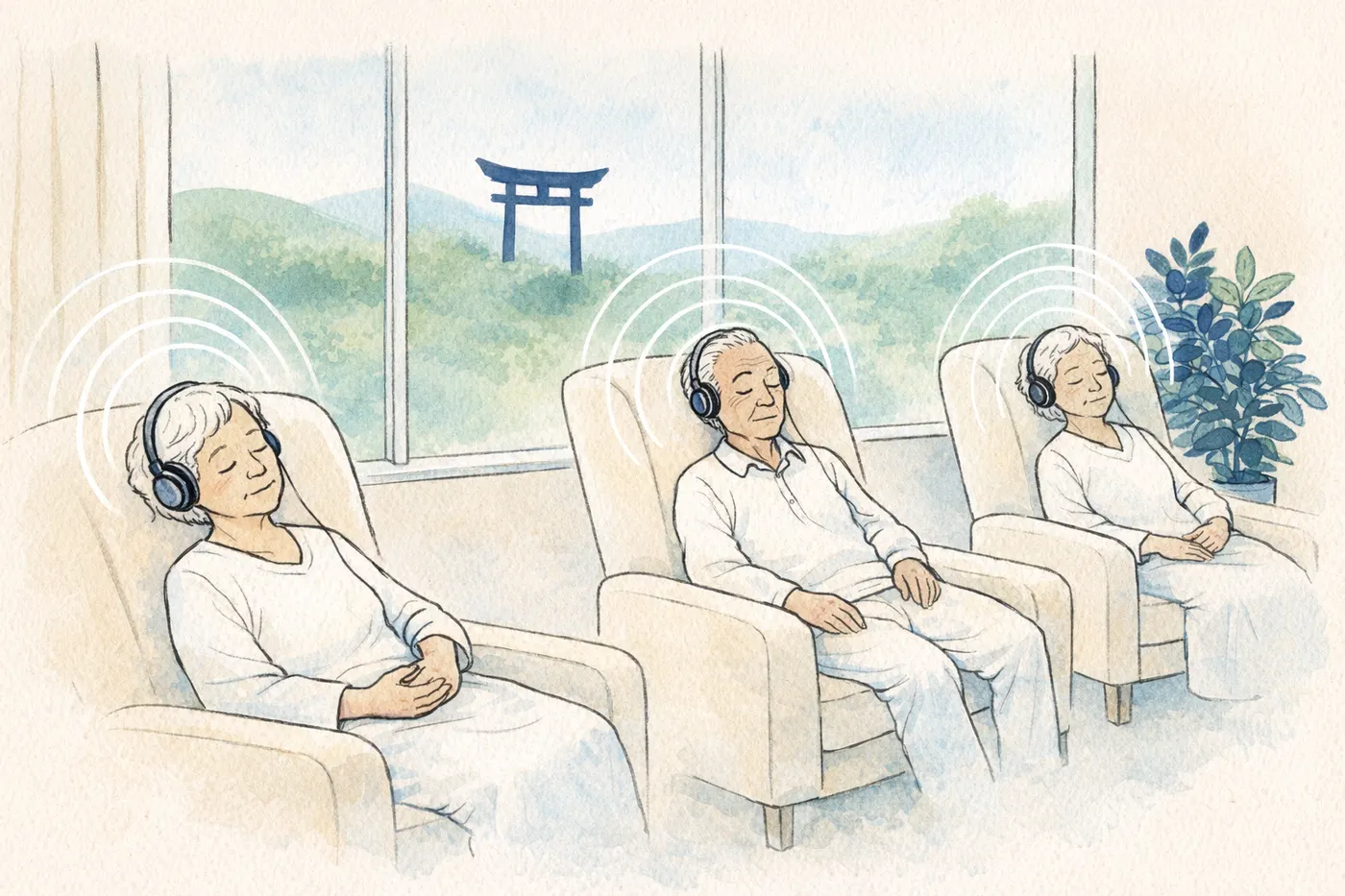 No login · no PHI
Cue from anywhere
Once codes are out and devices are online, your staff dashboard becomes the remote. Push a session to one device or all of them. Schedule recurring programs.
- Live now-playing view across every connected device.
- Tap to play, pause, change preset, or sync the same session room-wide.
- Schedules run on their own — “Every weekday at 8 AM, East Wing plays Morning Calm”.
- Revoke a code in one click — useful when a resident discharges or moves rooms.
- Audit trail of every admin action for compliance reviews.
Try U4EA free for 30 days.
Email-only signup. No card. Your dashboard opens the moment you finish signing up.